Financial Data Extraction: Pull Payments, Balances, and Card Types from Every Call
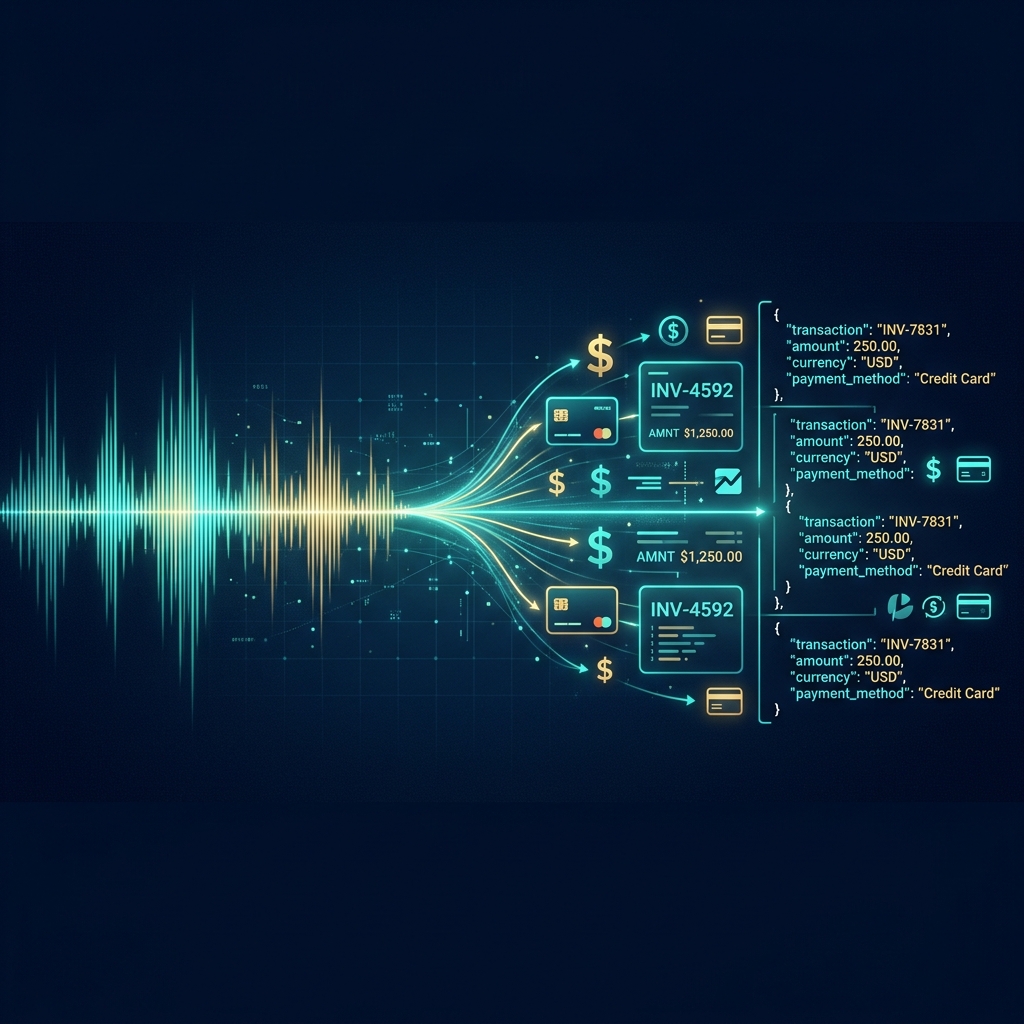
Every billing call contains financial data: payment amounts, recurring charges, pending balances, card types, billing dates, and service plan details. This information is spoken aloud, transcribed into text, and then... ignored. It sits buried in transcript paragraphs where nobody can query it, aggregate it, or pipe it into a billing system.
VoxParse changes that. Every transcription automatically extracts financial details into a structured financial JSON object - machine-readable, queryable, and ready for your CRM or billing dashboard.
No other transcription API does this. Not AssemblyAI. Not Deepgram. Not Google. Not AWS.
Listen to the call
This AT&T device exchange call doesn't involve a payment, but it does reference the customer's existing account, services, and a device offer - all of which get captured in the financial extraction. For billing-heavy calls, the output is even richer.
What gets extracted
The financial field in the AI analysis captures every monetary reference and billing-related detail from the call:
| Field | What it captures | Example |
|---|---|---|
payment_amount | One-time payments made or discussed | "$75.00" |
recurring_amount | Monthly/annual charges | "$149.99/mo" |
credit_issued | Credits, refunds, adjustments | "$75.00 credit" |
pending_balance | Outstanding balances mentioned | "$243.17" |
payment_method | Card type + last 4 | "Visa ending in 8831" |
billing_date | Next billing cycle date | "March 15" |
services | Products/plans discussed | ["Premium SEO Package"] |
promo_code | Promotional codes mentioned | "SAVE20" |
Real output from the demo call
{
  "financial": {
    "services": ["BlackBerry Torch device exchange"],
    "payment_amount": null,
    "recurring_amount": null,
    "credit_issued": null,
    "pending_balance": null,
    "payment_method": null,
    "notes": "Device exchange offer from promotional letter. No payment required - exchange of existing device for BlackBerry Torch."
  }
}
Note how the AI correctly identified this as a no-cost device exchange and reported null values for payment fields rather than hallucinating numbers. The services field captures the product involved, and notes provides business context.
What a billing-heavy call looks like
On a typical billing dispute call (like the ones in our benchmark), the output is much richer:
{
  "financial": {
    "payment_amount": "$243.17",
    "recurring_amount": "$149.99/mo",
    "credit_issued": "$75.00",
    "pending_balance": "$168.17",
    "payment_method": "Visa ending in 8831",
    "billing_date": "March 15",
    "services": [
      "Premium SEO Package",
      "Google Ads Management",
      "Monthly Website Hosting"
    ],
    "promo_code": null,
    "notes": "Customer disputed double charge on March invoice. Agent confirmed billing error, issued $75 credit, and adjusted recurring rate from $174.99 to $149.99."
  }
}
Why this matters
- Revenue assurance: Automatically verify that promised credits actually appear in your billing system
- Dispute tracking: Build a searchable database of financial commitments made on calls
- Agent coaching: Flag calls where agents offered unauthorized discounts or credits
- CRM sync: Push payment details directly into Salesforce, HubSpot, or your internal tools
- Audit trail: Machine-readable record of every financial commitment made over the phone
How it compares
| Provider | Financial extraction | How you'd get it |
|---|---|---|
| VoxParse | Built-in, $0.49/hr | Included in every response |
| AssemblyAI | Not available | Build custom NER + LeMUR ($$$) |
| Deepgram | Not available | Build custom post-processing |
| Google STT | Not available | Build entire pipeline yourself |
To replicate VoxParse's financial extraction with any other provider, you'd need to build a custom NER pipeline, fine-tune an LLM for financial entity recognition, and maintain the extraction logic yourself. Or just add
financial=trueto your VoxParse request.
How to use it
Financial extraction is enabled by default. Every VoxParse transcription includes the financial object. To disable it (if you don't need it), pass financial=false.
# Default - financial extraction included
curl -X POST https://api.voxparse.com/v1/transcribe \
  -H "X-API-Key: YOUR_API_KEY" \
  -F "[email protected]"

# Disable financial extraction
curl -X POST https://api.voxparse.com/v1/transcribe \
  -H "X-API-Key: YOUR_API_KEY" \
  -F "[email protected]" \
  -F "financial=false"
Extract financial data from every call
Financial extraction is included at $0.49/hr. ON by default. No setup, no training, no extra cost.
Get your API key →Bottom line
Your call transcripts already contain every payment, credit, and financial commitment your agents make. The problem was always getting that data out of unstructured text and into a format your systems can use. VoxParse does it automatically - structured JSON, every call, no extra cost. No other transcription API in the market offers this.
Read the full API documentation to see the complete response schema and start extracting financial data from your calls.