VoxParse Pro vs Lite: Which Plan Fits Your Workflow?
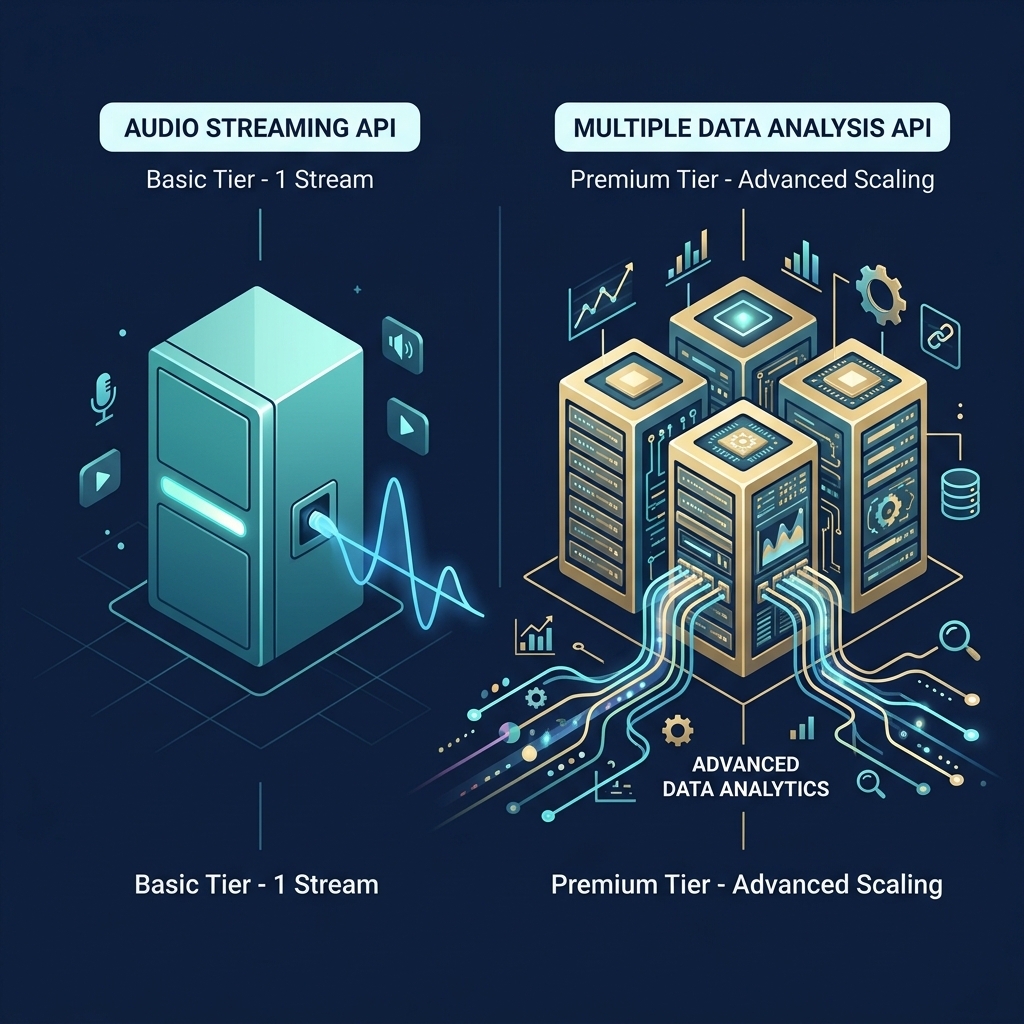
VoxParse offers two pricing tiers: Pro at $0.39/hr and Lite at $0.15/hr. Both are pay-as-you-go with no monthly minimums, no contracts, and no account-level lock-in. You choose which plan to use on every single API request by passing plan=pro or plan=lite.
This guide breaks down exactly what each plan includes, when to use which, and how to switch between them — so you can optimize both cost and capability.
Side-by-side comparison
| Feature | Pro ($0.39/hr) | Lite ($0.15/hr) |
|---|---|---|
| Transcription | ✓ | ✓ |
| Speaker diarization | ✓ | ✓ |
| Polished & verbatim modes | ✓ | ✓ |
| PII redaction | ✓ | ✓ |
| Call summary & outcome | ✓ | ✗ |
| Sentiment analysis | ✓ | ✗ |
| Compliance detection | ✓ | ✗ |
| Financial extraction | ✓ | ✗ |
| Action items | ✓ | ✗ |
| Topic detection | ✓ | ✗ |
| Entity detection | ✓ | ✗ |
| Content moderation | ✓ | ✗ |
| Auto chapters | ✓ | ✗ |
| Translation (50+ languages) | ✓ | ✗ |
| Custom vocabulary | ✓ | ✗ |
| Custom instructions | ✓ | ✗ |
The short version: Lite gives you a high-quality transcript with speaker labels. Pro gives you that plus a full suite of AI-powered analysis in a single API call.
What Pro includes that Lite doesn't
Pro's 11 analysis features are designed for teams that need structured intelligence from calls — not just text. Here's what you get:
- Summary & Outcome — A concise call summary, call type classification, and resolution status. No more reading full transcripts to understand what happened.
- Sentiment Analysis — Customer sentiment (positive/negative/neutral) and agent performance scores. Essential for QA dashboards.
- Compliance Detection — Flags PCI-DSS violations, HIPAA risks, and whether recording disclosures were made. See our HIPAA/PCI guide.
- Financial Extraction — Payment amounts, card types, recurring charges, and billing disputes pulled into structured fields. See financial extraction deep dive.
- Action Items — Follow-up tasks automatically extracted from the conversation.
- Topic Detection — Main discussion topics identified and categorized. Great for trend dashboards.
- Entity Detection — Names, organizations, products, and locations extracted as structured data.
- Content Moderation — Profanity, hostility, and inappropriate language flagged with speaker attribution.
- Auto Chapters — Timeline-segmented chapters with titles for easy navigation.
- Translation — Full transcript translation to 50+ languages while preserving the original.
- Custom Vocabulary — Industry-specific terms to boost transcription accuracy.
See the full feature documentation for API parameters and response schemas.
When to use Lite
Lite is purpose-built for workflows where you need accurate text and speaker labels — but don't need AI analysis. Common use cases:
- High-volume archival — Transcribing thousands of calls for searchable storage where structured analysis isn't needed yet
- Custom NLP pipelines — When you run your own sentiment, NER, or classification models downstream
- Meeting notes — Simple "who said what" transcripts for internal documentation
- Budget-conscious batch jobs — When cost optimization is the primary concern and you can sacrifice analysis depth
- Legal discovery — Raw transcripts with speaker diarization for review, where PII redaction handles sensitive data
At $0.15/hr, Lite is competitive with — or cheaper than — competitors' base transcription rates, and it includes diarization that others charge $0.02/hr extra for.
When to use Pro
Pro is built for teams that need to extract actionable intelligence from every call. If you'd otherwise need to pipe your transcript through a separate LLM or NLP service, Pro almost certainly saves you money and engineering time.
- Call center QA & compliance — Automated scorecards with sentiment, compliance, and content moderation in one call. See our QA automation guide.
- Customer intelligence dashboards — Topic trends, entity extraction, and sentiment over time
- Agent coaching — Performance scoring, content moderation flags, and call summaries for managers
- Multi-language operations — Transcribe in any language, then translate to a common language for unified reporting
- CRM auto-population — Entity detection pulls names, companies, and products directly into structured fields
Switching between plans
There's no account-level plan selection. You choose per request:
Pro request
curl -X POST https://api.voxparse.com/v1/transcribe \
  -H "X-API-Key: YOUR_API_KEY" \
  -F "[email protected]" \
  -F "plan=pro" \
  -F "topic_detection=true" \
  -F "entity_detection=true"
Lite request
curl -X POST https://api.voxparse.com/v1/transcribe \
  -H "X-API-Key: YOUR_API_KEY" \
  -F "[email protected]" \
  -F "plan=lite"
You can even process the same audio file twice — once on Lite for archival, once on Pro for analysis — and only pay each rate for that specific request.
What happens when you mix plans and features?
If you pass plan=lite with Pro-only feature flags (like topic_detection=true), the features are silently ignored. The request succeeds at the Lite rate, and only the transcript and diarization appear in the response. No error, no auto-upgrade, no surprise charges.
This is by design — it means you can use the same API integration code for both plans and simply toggle the plan field to control cost and output depth.
Cost at scale
| Monthly Hours | Pro ($0.39/hr) | Lite ($0.15/hr) | Savings on Lite |
|---|---|---|---|
| 100 hrs | $39 | $15 | $24 (62%) |
| 500 hrs | $195 | $75 | $120 (62%) |
| 1,000 hrs | $390 | $150 | $240 (62%) |
| 5,000 hrs | $1,950 | $750 | $1,200 (62%) |
| 10,000 hrs | $3,900 | $1,500 | $2,400 (62%) |
The optimal strategy for most teams: use Pro for calls that need analysis (QA reviews, compliance audits, customer intelligence) and Lite for everything else (archival, backlog transcription, internal notes).
How both plans compare to competitors
Even at their respective price points, both VoxParse plans deliver more value than competing services:
| Feature | VoxParse Lite ($0.15) | AssemblyAI Best ($0.15) |
|---|---|---|
| Transcription | ✓ | ✓ |
| Speaker diarization | Included | +$0.02/hr |
| PII redaction | Included | Extra cost |
| Polished mode | ✓ | ✗ |
| Verbatim mode | ✓ | ✓ |
At the same $0.15/hr price point, VoxParse Lite includes diarization and PII redaction for free. AssemblyAI's comparable plan charges extra for diarization ($0.02/hr), effectively making their real price $0.17/hr for the same feature set. See our full pricing comparison for the Pro tier breakdown.
Try both plans free
5 free hours included. Switch between Pro and Lite per request — no commitment.
Get your API key →Bottom line
Don't overthink it. Start with Pro to see the full capabilities, then drop to Lite for requests where you don't need analysis. The per-request pricing model means you never pay for more than you use — and you can always switch back.
Read the analysis features documentation for complete API reference, or check the pricing page for current rates.